Does Your Event WiFi Have a Backup Plan? The Redundancy Checklist Every Organiser Needs
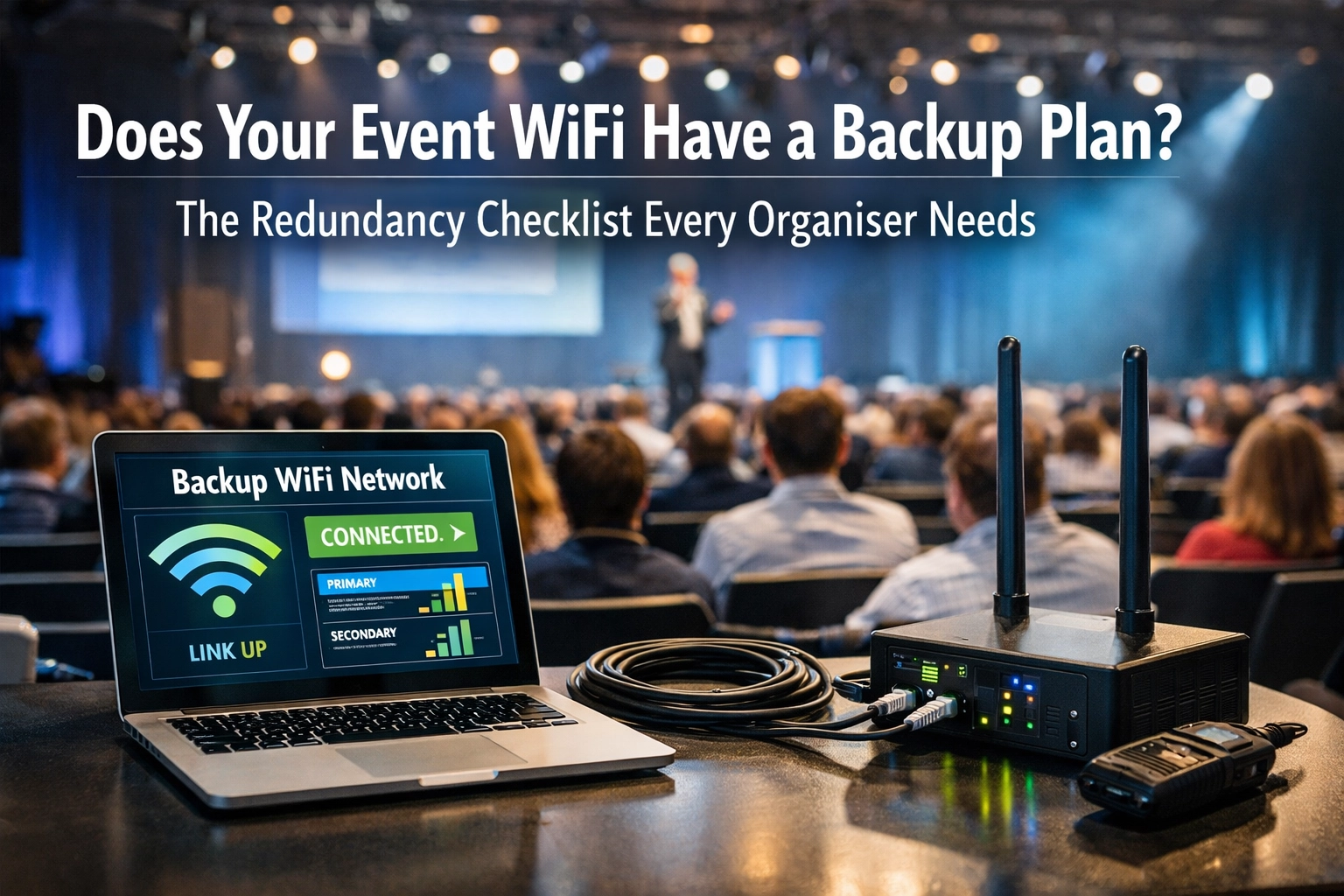
You've done everything right. You've booked the venue, sorted the catering, lined up the speakers. Your event WiFi provider assured you they'd handle connectivity. Everything's good to go.
Then the internet goes down.
Payment terminals stop working. Live streams freeze. Exhibitors lose access to their booking systems. Your event app becomes a very expensive paperweight. And you're left standing in a field somewhere, frantically calling your WiFi provider, who's telling you they're "looking into it."
Here's the thing: event WiFi doesn't fail because providers are incompetent. It fails because they didn't plan for the inevitable.
Every connection has a breaking point. Equipment overheats. ISPs have outages. Power fluctuates. Cables get accidentally kicked. The question isn't if something will go wrong: it's whether your provider has a backup plan when it does.
Let's walk through what proper redundancy actually looks like, so you know what to ask for (and what to avoid) next time you're spec'ing out event connectivity.
Why Single-Point-of-Failure WiFi Is a Disaster Waiting to Happen
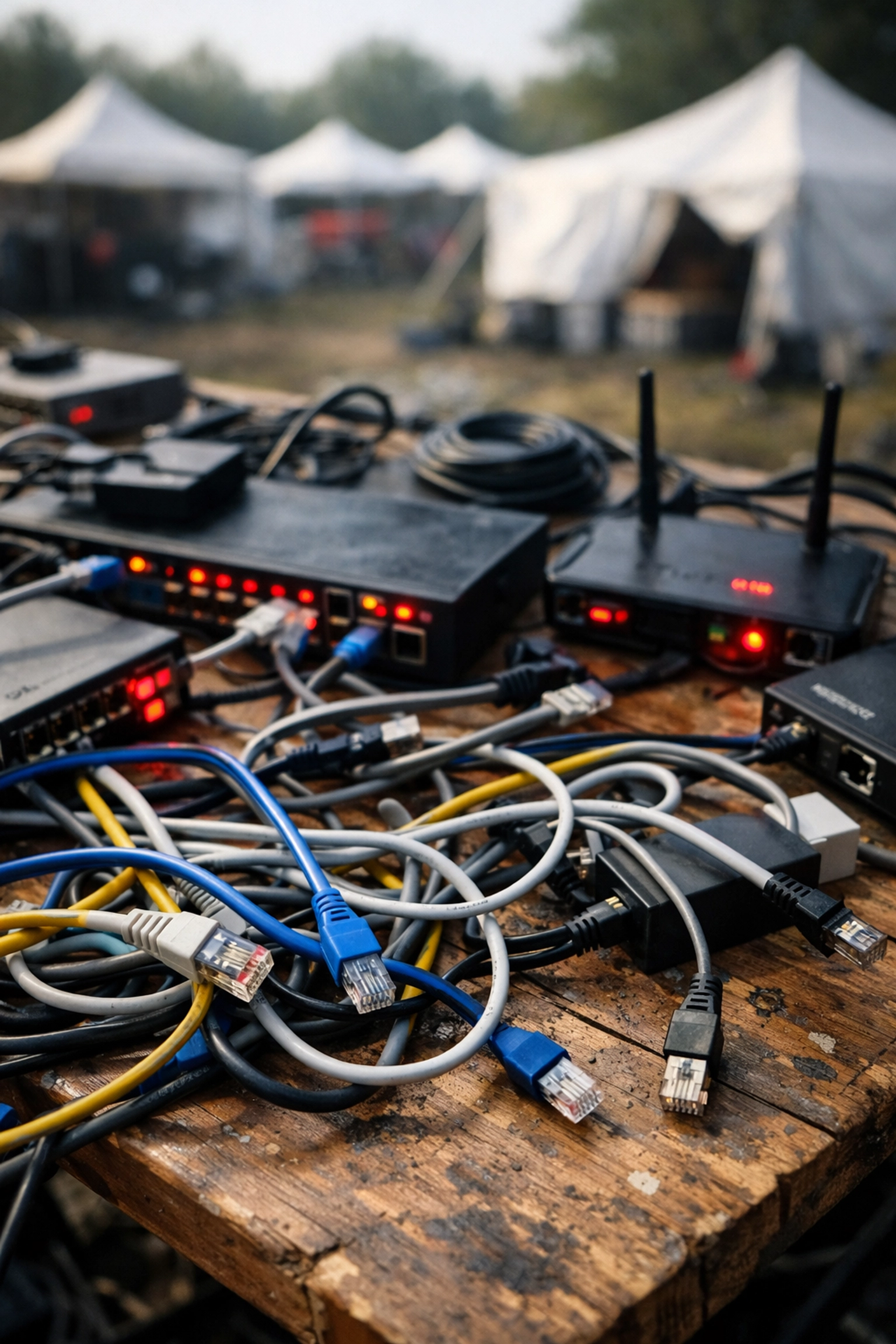
Most event WiFi setups rely on a single internet connection. One cable. One provider. One router. When that connection drops, everything stops.
The worst part? You won't know there's a problem until it's too late. Your WiFi provider might have "backup" equipment sitting in a van somewhere, but if it takes 20 minutes to diagnose the issue, drive to the site, and swap out the faulty kit, you've already lost ticket sales, annoyed your exhibitors, and probably trended on Twitter for all the wrong reasons.
Redundancy isn't about having spare equipment in the back of a van. It's about having systems that automatically take over the second something fails, so your attendees don't even notice there was a problem.
Here's what that actually involves.
The Event WiFi Redundancy Checklist
1. Multiple Backhaul Options (Starlink + 4G/5G)
Your internet connection is your event's lifeline. If it goes down, nothing else matters. That's why relying on a single ISP is the riskiest decision you can make.
The fix? Multiple backhaul options that automatically fail over to each other.
At Commsuk, we typically run Starlink satellite as the primary connection and bonded 4G/5G as the backup. Why? Because they're completely independent. If Starlink has an issue (rare, but it happens), the system instantly switches to cellular. If the cellular network gets congested, Starlink takes the load.
Here's what not to do: Use two connections from the same ISP. We've seen setups where a provider runs "redundant" fibre and 4G from the same company. When that company has a regional outage (and they do), both connections drop simultaneously. You've just paid extra for a backup system that doesn't actually back anything up.
What to ask your provider:
"What's your primary backhaul?"
"What's your backup, and is it from a different provider?"
"How quickly does failover happen?"
If the answer to the last question is anything longer than "seconds," you don't have real redundancy.
2. Power Redundancy (UPS for Key Equipment)
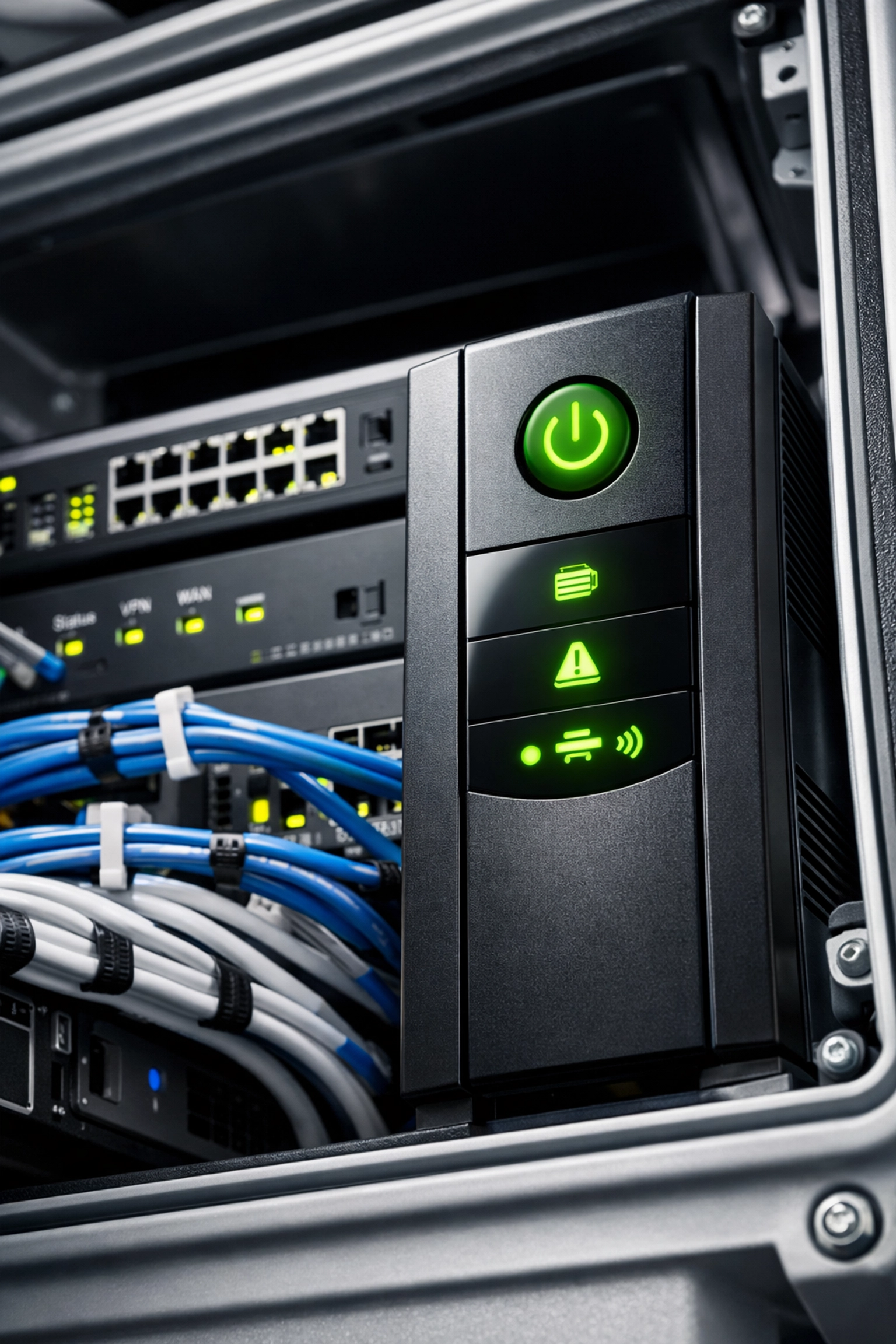
You can have the most robust internet connection in the world, but if your router loses power for 10 seconds, your entire network goes offline while it reboots.
Uninterruptible Power Supplies (UPS) are the unglamorous heroes of event WiFi. They're basically big batteries that sit between your equipment and the mains power, smoothing out fluctuations and keeping everything running during brief outages.
For longer outages, you need generator backup: but even with a generator, there's a gap of a few seconds while it spins up. A UPS bridges that gap.
We run UPS units on all core networking equipment: routers, switches, and key access points. It sounds basic, but you'd be surprised how many event WiFi providers skip this step to save a few quid, then act confused when a power blip takes down the entire network.
What to ask your provider:
"Is all your core networking equipment on UPS?"
"What happens if mains power drops?"
"Do you have generator backup, and how quickly does it kick in?"
3. Managed Monitoring (Onsite or Remote)
Redundancy only works if someone's watching the systems and ready to act when something goes wrong.
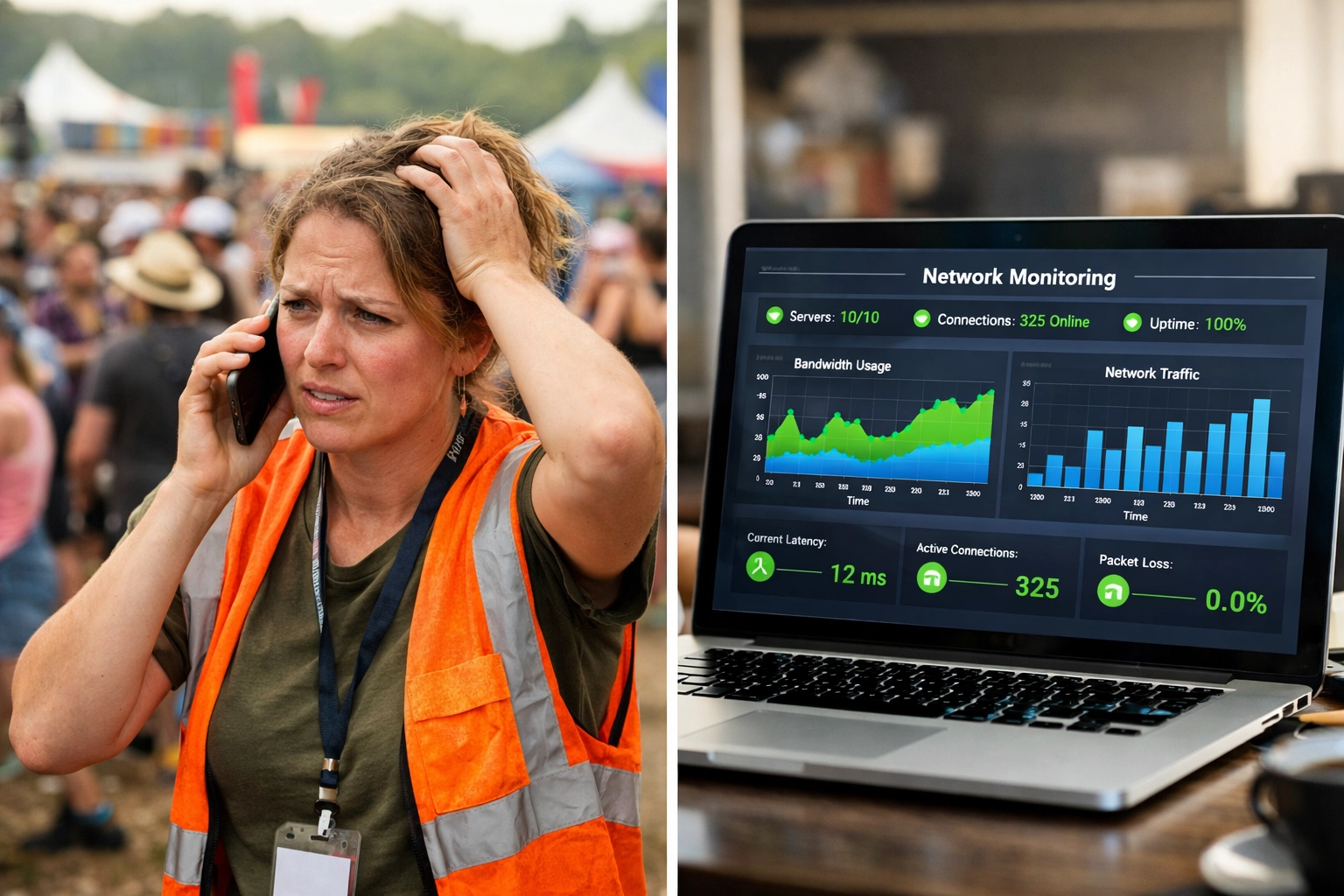
We monitor every connection, every router, every access point: onsite during the event, and remotely from our operations centre. If a connection starts showing signs of instability (higher latency, packet loss, or dropped sessions), we switch to the backup before it becomes a problem your attendees notice.
This is the difference between reactive and proactive support. A reactive provider waits for you to call and say "the WiFi's down." A proactive provider sees the issue in the monitoring dashboard and fixes it before you even know there was a problem.
What to ask your provider:
"Will you have someone onsite monitoring the network during the event?"
"What monitoring tools do you use?"
"How do you handle issues out of hours?"
If the answer involves phrases like "we'll send someone out if there's a problem," you're already in trouble.
4. Hardware Failover (Spare Routers, Switches, and Access Points)
Equipment fails. It's not common, but it happens: especially in outdoor events where routers sit in weatherproof boxes in 30-degree heat or get knocked about during setup.
Here's what good hardware redundancy looks like:
Spare routers onsite, pre-configured and ready to swap in.
Redundant switches so that if one fails, traffic automatically reroutes through another.
Extra access points positioned so coverage overlaps: if one AP drops, attendees automatically connect to the next closest one.
We keep spares of every critical piece of kit onsite during events. Not in a warehouse 20 miles away. Not "on call if needed." Physically onsite, tested, and ready to go.
Again, this sounds obvious, but plenty of providers will tell you they have "backup equipment available" without clarifying that it's sitting in a depot somewhere, requiring a 45-minute round trip to collect.
What to ask your provider:
"Do you have spare routers and switches onsite during the event?"
"Are they pre-configured, or will you need to set them up if something fails?"
"How long would it take to swap in a replacement?"
Why Commsuk's Approach Works
Here's the truth: most event WiFi providers sell you connectivity. We sell you reliability.
Anyone can plug in a router and give you an internet connection. What happens when that connection drops is where the difference becomes obvious.
Our systems are built around the assumption that something will go wrong. Not because we're pessimistic: because we've been doing this long enough to know that Murphy's Law is real. When you're running WiFi for thousands of attendees in a muddy field in the middle of nowhere, you need to plan for every possible failure point.
That's why every Commsuk event setup includes:
Dual backhaul (Starlink + bonded 4G/5G) with automatic failover.
UPS on all critical equipment, plus generator backup.
Onsite and remote monitoring so we catch problems before they become outages.
Pre-configured backup hardware ready to swap in if needed.
You don't need to understand how any of this works. That's our job. Your job is to run a successful event: and that means you need WiFi that just works, even when things go sideways.
The Bottom Line
If your event WiFi provider can't clearly explain their redundancy plan, you don't have one.
Ask the questions. Push for specifics. And if the answer is "we've never had a problem," run. Because the only providers who've never had a problem are the ones who haven't done enough events yet.
Redundancy isn't sexy. It's not a feature you can show off in a marketing brochure. But when your payment terminals stay online during a thunderstorm, or your live stream doesn't drop when 5,000 people connect at once, you'll be very glad you planned for the worst.
Need rock-solid event WiFi with proper redundancy built in?Get in touch and let's talk through your next event. We'll make sure you've got a backup plan( so you never need to use it.)
Comments