Guest WiFi That Works: Captive Portals, Sponsors and the Data Your Event Actually Earns
Guest WiFi is often treated as a courtesy: a small extra that helps attendees check messages, post photographs or look up the event schedule.
Done properly, it is much more valuable than that.
A well-designed guest network can improve the attendee experience, create a visible benefit for sponsors and provide useful insight into how people move through your event. The important word is properly. A guest WiFi service should be quick to join, transparent about what it collects and completely separate from the networks supporting your event team and live operations.
That combination turns connectivity into an event asset rather than another source of risk.
A captive portal is the front door to your guest experience
A captive portal is the page that appears when someone first connects to an event WiFi network. Instead of sending guests straight to the open internet, it gives them a simple welcome screen where they can accept the terms of use, enter an email address or choose whether to receive updates.
For an event organiser, that first screen can do several jobs:
Welcome guests in the event’s branding
Explain who is providing the WiFi
Give a sponsor prominent but tasteful visibility
Ask for a small amount of useful information
Direct attendees towards the event app, schedule or social channels
Set clear expectations about terms and privacy
It should not feel like a lengthy registration form.
The best guest portals are deliberately simple. Ask for one email address if you genuinely need it, include a clear acceptance of the WiFi terms and make any marketing choices optional. A guest should be able to understand the page in seconds and get online without completing a questionnaire.

Keep sign-in to one screen
Every additional step creates friction. At a busy entrance, guests may be carrying bags, speaking to friends, finding their seats or trying to reach the event programme. If connecting to WiFi takes several pages, many people will simply close the browser and use mobile data instead.
A practical first-screen layout might include:
Event name and WiFi name
One email field, if email collection is part of the agreed experience
A required tick box confirming acceptance of the WiFi terms
Separate, unticked marketing options
A link to the privacy notice
One obvious “Connect” button
Do not hide marketing consent inside the terms and conditions. Access to WiFi and permission to receive marketing are different choices.
If the organiser wants to send updates, say so clearly. If a sponsor wants to contact guests, name the sponsor and make that choice equally clear. Where both parties want to communicate, separate opt-ins are usually easier for guests to understand and easier for organisers to manage responsibly.
The language should be straightforward. For example:
“I would like to receive occasional event updates from [Organiser].”
And, separately:
“I would like to receive offers and information from [Sponsor].”
Both boxes should be unticked by default. Keep records of what each guest agreed to, when they agreed and which version of the privacy notice they saw. For UK events, your organiser, data protection and marketing teams should confirm the correct lawful basis and wording for the specific event.
What data can guest WiFi legitimately capture?
The answer depends on what you need the data for. A useful principle is to collect the minimum information that supports a defined purpose.
Opt-in email addresses
Email addresses can be valuable for:
Sending an event timetable or venue updates
Sharing post-event content
Inviting guests to a future event
Supporting an optional prize draw or engagement activity
Allowing an attendee to reconnect during the event
However, an email collected to provide access should not automatically be treated as permission for marketing. If marketing is part of the plan, make the choice explicit and record it.
You should also decide how long you need to retain the information. Raw connection records and identifiable email data should not sit indefinitely simply because the system can store them.
Footfall and concentration patterns
A guest network can also help you understand broad movement through an event.
Depending on the platform and configuration, you may be able to review aggregated or pseudonymised patterns such as:
Approximate connection numbers over time
Busy periods at entrances or communal areas
Which zones experience the most activity
How attendance changes before, during and after headline moments
How long devices remain connected
Whether particular areas are being underused
This can help with future layouts, signage, catering placement, session planning and sponsor reporting.
The value is generally in the pattern, not in following an individual around. Sponsors usually need a clear view of reach and engagement, not a list of identifiable people who happened to walk past their activation. Share aggregated reporting by default, and only share identifiable contact data where the guest has specifically opted in and the arrangement has been explained.
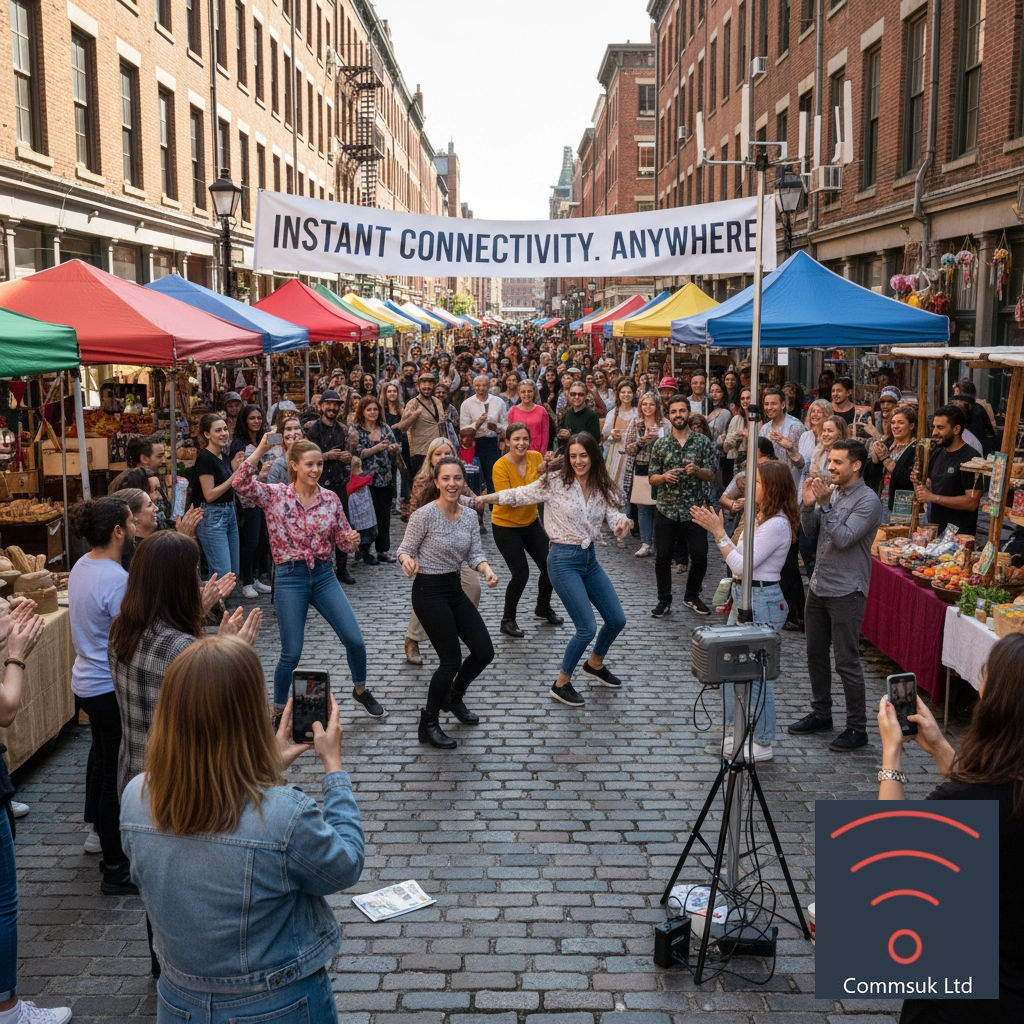
Why sponsors value a well-built guest network
A sponsor logo on a banner is visible, but difficult to measure. A branded guest portal creates a more direct connection between the sponsor and the attendee experience.
That does not mean the portal should become an intrusive advertisement. A sponsor can receive useful value through:
A branded welcome screen
“WiFi provided by” or “Connected with support from” messaging
A post-event report showing connection volumes
Aggregated engagement by time or event zone
A clear, optional route for guests to request information
A link to a relevant offer, competition or activation
The reporting conversation should happen before the event. Agree what will be measured, what will be shared, who owns the data and how results will be presented.
A useful sponsor report might show:
Total successful guest connections
Unique devices or sessions, where appropriate and legally supportable
Connection trends throughout the day
Portal completion rate
Marketing opt-in numbers
Broad engagement by event area
Clicks on a sponsor link or activation
Avoid presenting estimates as precise human counts. One person may use more than one device, and one device may be used by more than one person. Clear methodology makes the report more credible.
The strongest sponsor proposition is not “we will hand over everyone’s email address”. It is “we will create a useful guest experience, give your brand meaningful visibility and report honestly on the engagement it generated”.
Keep guest access separate from the networks keeping the event running
This is a fundamental design requirement.
The guest network should be built as a separate service from the networks used by staff, production teams and essential event systems. Guests need access to the internet. They do not need a route into the systems used to run the show.
That separation means a sudden wave of guest connections, an incorrectly configured device or an unusually busy portal session cannot interfere with the operational network.
In practical terms, ask your connectivity provider to confirm that:
The guest SSID is isolated from internal event networks
Guest devices cannot browse or connect directly to one another
Operational devices use separate network policies
Guest traffic is managed independently from essential event services
The portal can be updated without disrupting operational systems
Access permissions are documented before the event
This is not about making the guest experience complicated. It is about ensuring that a convenience service cannot become a single point of failure for the wider event.
Commsuk provides fully managed event connectivity, from planning and installation through to live monitoring and pack-down. That means the guest experience can be designed alongside the wider event requirements without treating every device as if it belongs on the same network.
Plan for the moments when everyone connects
Guest WiFi usage is rarely steady. It rises at predictable moments:
Doors opening
Lunchtime
Breaks between sessions
A major announcement
A headline performance
The end of the event, when people share photographs and arrange transport
Plan around these moments rather than relying on an average number for the whole day. A portal that works smoothly at 9:30am may struggle when everyone sits down at lunchtime or raises a phone during a headliner set.
The portal itself should be lightweight and quick to load. Avoid large background videos, unnecessary animation and forms that require multiple redirects. Make sure it works when a guest’s browser opens the page automatically, as captive portals can behave differently across phones, tablets and operating systems.
Test with real devices, not just a laptop
A final pre-event test should include the devices your guests are likely to use.
Try recent and older iPhones, Android phones and tablets. Test both browsers and confirm what happens when a user:
Connects for the first time
Closes the portal before accepting
Returns after a temporary disconnection
Uses a device with private or randomised addressing
Moves between areas of the event
Reaches the portal through a QR code
Declines marketing but accepts the WiFi terms
Test the wording too. Ask someone who was not involved in building the portal to complete it without explanation. If they hesitate, misunderstand the consent choices or cannot find the Connect button, simplify the page.
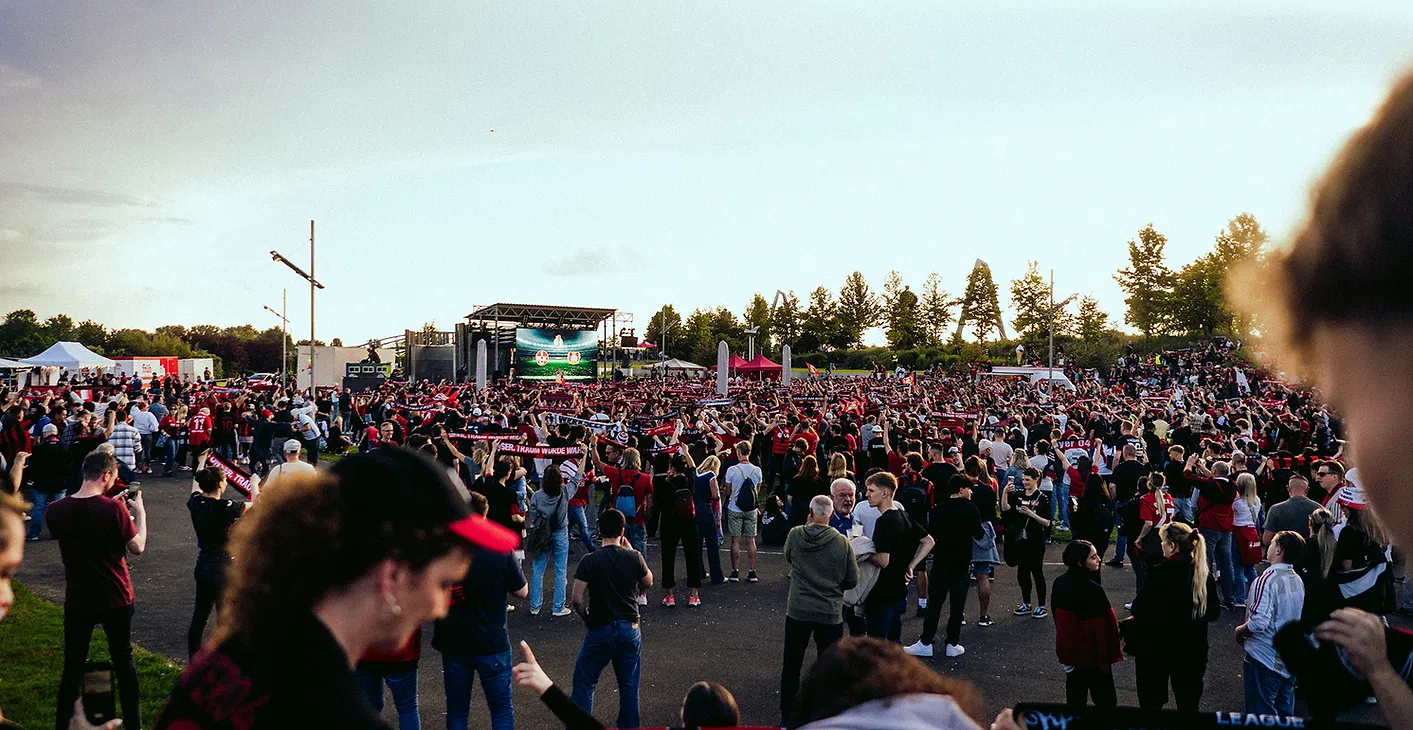
Guest WiFi should earn its place
Guest WiFi is not valuable because it collects the most data. It is valuable because it makes access easy, gives sponsors a measurable role and produces carefully governed insight into the event experience.
The formula is straightforward:
One simple sign-in screen
Clear and optional marketing choices
Useful aggregated reporting
Honest sponsor branding
A guest network separated from operational systems
Planning for lunchtime and headline peaks
Testing on real phones before doors open
When those details are handled properly, guests get reliable connectivity without unnecessary friction, sponsors receive meaningful evidence of engagement and organisers gain information they can use to improve the next event.
If you are planning guest WiFi for a conference, exhibition, festival or pop-up, talk to the Commsuk team. We can help you design a managed connectivity service that works for attendees while keeping the event’s essential systems protected from disruption.
Comments