Production WiFi: The Crew Network That Carries Your Whole Show
Guest WiFi gets most of the attention.
It has the branded login page. The sponsor message. The social media push.
But behind the scenes, another network is doing the harder work.
It is carrying the production team.
That means video feeds, show control, crew communications, scheduling tools, ticketing backends, payment systems, exhibitor platforms and cloud-based event software. If that network fails, the problem is not just that someone cannot check email.
The show itself can slow down.
As the conference and autumn event season gets underway, it is worth looking at production WiFi as a separate part of your event infrastructure. Not an add-on to guest access. Not a shared password passed around backstage.
A properly planned production network gives your team the connection they need, in the places they need it, with support there when things change.
What production WiFi actually supports
Every event has its own workflow. A festival, exhibition and corporate conference will not use connectivity in exactly the same way.
The pressure on the network is still similar.
Your production teams may need to:
Send or receive live video feeds
Upload content to streaming platforms
Access cloud-based schedules and call sheets
Coordinate stage management and site operations
Run show control systems and remote monitoring
Connect cameras, encoders and production laptops
Support ticketing, registration and access control
Process payments and manage back-office systems
Give exhibitors access to demos, CRM tools and presentations
Keep staff communication apps working across the site
Some of these uses need high upload capacity. Some need low delay. Some need a stable connection above everything else.
A network that looks fine during an empty-site test may struggle once the doors open. That is why production WiFi has to be designed around the show, not just the venue.
Why sharing guest WiFi with production is a mistake
The simplest option often looks attractive.
Use the venue WiFi. Give everyone the password. Let production, exhibitors, staff and guests share the same connection.
It may even work during setup.
Then the crowd arrives.
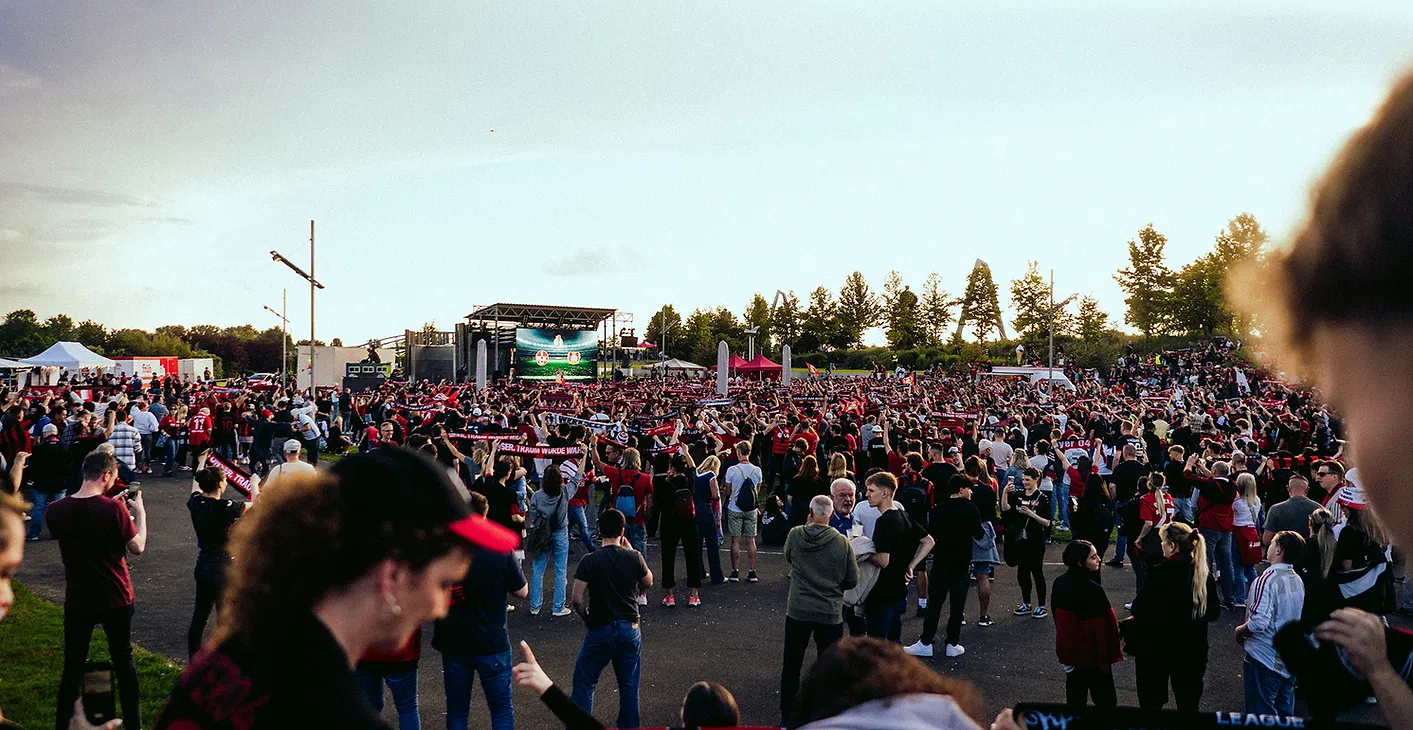
Hundreds or thousands of phones start connecting. Attendees check maps, post videos, use event apps and browse social media. Exhibitors start running demos. Staff devices begin syncing. The network becomes busy very quickly.
Production traffic is now competing with all of it.
This is not about blaming guests for using WiFi. They are using the service as intended. The problem is that guest traffic and production traffic have different priorities.
A guest browsing the web can wait a few seconds.
A ticket scanner, live stream or show-control device may not have that luxury.
When everything sits on one shared network, there is no reliable way to protect the systems that keep the event moving. A burst of video uploads can affect payment terminals. A crowded exhibition hall can make a backstage tablet unreliable. A guest network issue can become a production issue.
That is too much risk for one connection.
The four things a production network needs
1. Dedicated bandwidth
Production needs its own share of the available capacity.
That does not always mean giving every device unlimited speed. It means deciding which systems matter most and making sure they have enough headroom when the event is busy.
For example, a production network may need to support:
High-priority video uploads
Streaming encoders
Remote production tools
Ticketing and registration systems
Staff and crew devices
Payment and operational systems
The right amount depends on your event, the number of devices and the type of content being moved. A single HD stream has different needs from several simultaneous feeds or a large-scale hybrid event.
The important point is to plan for peak use. Not average use.
2. Low latency
Speed is not the whole story.
Latency is the delay between sending information and receiving a response. High latency makes video calls feel awkward, remote control tools feel slow and cloud systems take longer to respond.
For production teams, that delay can create real problems.
A stage manager may need up-to-date information. A remote operator may need a quick response. A video team may be monitoring a feed from another location. A crew member may be using a live scheduling or communications platform.
A well-designed production network keeps these services on a cleaner, higher-priority path.
For mission-critical video equipment, a wired connection is often the best option where practical. Production WiFi then supports the devices that need mobility, such as tablets, laptops, crew phones, control surfaces and monitoring equipment.
3. Coverage backstage and in crew areas
Guest-facing coverage is not enough.
Production teams work in places that are often missed by basic venue WiFi designs:
Behind the stage
In stage wings
At front of house
In broadcast or streaming compounds
Inside production offices
In dressing rooms and green rooms
Around loading areas
In staff catering and crew rest areas
Across large outdoor sites
These are not secondary spaces. They are where the event is coordinated.
A site survey helps identify the real working areas. It also shows where walls, temporary structures, vehicles, metalwork and distance may affect coverage.
The aim is not simply to show a strong signal on a map. It is to make sure the right devices can connect reliably while people move around the site.
4. Backups
Live events do not come with a restart button.
A cable can be damaged. A venue connection can fail. A local network can become overloaded. Weather or site conditions can change. A provider can have an outage at exactly the wrong moment.
That is why a production network should have a backup path ready before the event starts.
Depending on the site and the application, this might include satellite internet, a secondary wired connection, cellular connectivity or a combination of routes.
The backup should be tested. It should be connected to the systems that matter. Your team should know how it will be used if the primary connection drops.
A backup that is still in its case is not much of a backup.

What a managed production WiFi service changes
Planning the network is only one part of the job.
The network also has to be installed, checked and watched during the event.
That is where a managed service makes a difference.
A specialist provider can separate production traffic from guest and general staff access. In simple terms, each group gets its own controlled network. Production systems are protected from public congestion. Guest access can be managed without affecting the crew.
The provider can also:
Review your site plan and event schedule
Identify critical devices and locations
Plan coverage for backstage and operational areas
Configure equipment before arriving on site
Install access points, routers and satellite equipment
Test real applications before doors open
Monitor usage and connection health during the event
Adjust the setup if the site or traffic changes
Switch to backup connectivity when required
Remove the equipment after the event
This takes the technical pressure away from the organiser.
Your production manager should not have to troubleshoot a router while also managing a stage change. Your event director should not be chasing a venue helpdesk because a streaming feed has stopped.
A managed network gives you one team responsible for the connectivity from planning through to teardown.
Production WiFi for festivals, conferences and exhibitions
The format may change, but the principle stays the same.
At a festival, production WiFi can connect the production office, ticketing systems, payment platforms, security teams and streaming crews across a large outdoor site.
At a conference, it can support speakers, show callers, presentation teams, registration desks and remote participants.
At an exhibition, it can keep exhibitor demos, lead capture tools and staff systems working without relying on the same network as thousands of attendees.
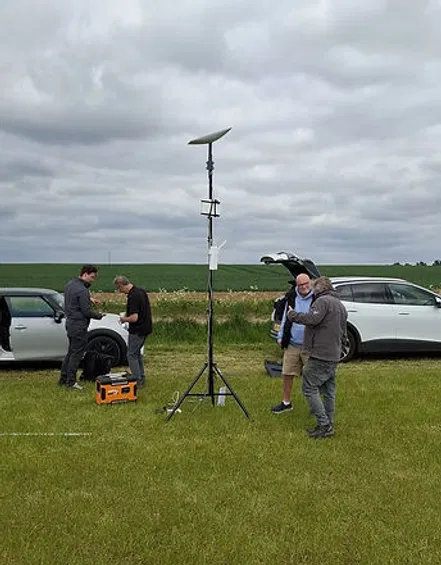
For agricultural shows and rural events, satellite connectivity can also remove the usual dependency on local broadband. Commsuk has written more about using Starlink satellites for event WiFi, particularly where fast deployment and location flexibility matter.
A simple production WiFi checklist
Before your next event, ask:
Which systems would stop the show if they lost connection?
Which devices need high upload capacity?
Where will production teams work on site?
Are backstage and crew areas covered properly?
Is production traffic separate from guest WiFi?
Has the network been tested under realistic demand?
Is there a working backup connection?
Who is monitoring the network during live hours?
Who do you call if something changes?
Who handles installation and removal?
If the answer to the last few questions is “the organiser”, the network may not be fully managed.
Keep the guest WiFi. Protect the production network.
Guest WiFi still matters. It supports the attendee experience, sponsor visibility and event engagement.
But it should not be asked to carry the whole show.
Production WiFi needs its own design, its own priorities and its own support. When that is in place, the crew can focus on delivering the event instead of watching signal bars.
At Commsuk Limited, we provide fully managed event connectivity for conferences, festivals, exhibitions, agricultural shows and corporate events. We handle site surveys, installation, monitoring, backup planning and teardown.
Have an autumn event coming up? Speak to our team about building a production network that keeps your show moving.
Comments